January 15, 2026
SAM.govWhy Your SAM Profile is Missing Critical NAICS Codes
Most contractors update SAM.gov only at renewal. That gap quietly blocks visibility in buyer searches and can cost qualified firms their next award.

Have Any Questions?
(813) 355-9295
A government-ready website does one thing exceptionally well: it reduces uncertainty for acquisition teams. Buyers are not browsing your site for inspiration. They are checking whether your firm looks credible, reachable, and capable of executing in a federal environment.
If your website reads like a generic commercial homepage, you can lose momentum before a call is ever scheduled.
When reviewers land on your site, they are typically validating:
You should design navigation and page structure around those questions.
Each major service should have its own page with:
Tie claims to evidence. Avoid broad declarations without operational detail.
Make these easy to find:
For new contractors, it is fine if some fields are still in progress, but state status clearly.
You do not need to publish every detail of every contract. You do need to show that your team delivers outcomes under real constraints.
Useful structure:
Federal buyers and partners should not have to guess where to start. Include:
Slow pages hurt credibility. Compress media, minimize scripts, and monitor core page speed.
Serve every page over HTTPS and avoid mixed content. Broken security warnings are immediate trust killers.
Use semantic headings, meaningful link text, alt text, and keyboard-accessible navigation. Accessibility is both a compliance and usability issue.
Many users access pages on mobile or constrained networks. Ensure text, buttons, and forms remain usable on smaller screens.
Federal readers respond to clarity and proof, not hype. Strong copy usually has:
If your service page sounds impressive but does not explain execution, it will not convert serious buyers.
Day 1 to 3:
Day 4 to 7:
Day 8 to 10:
Day 11 to 14:
This sprint is enough to produce noticeable improvement without a full rebuild.
Use authoritative references when setting policy and language expectations:
Schedule your consultation below and we will help you align content, credibility, and buyer conversion signals.
Pick a time that works for you and book directly on our calendar.
Most contractors update SAM.gov only at renewal. That gap quietly blocks visibility in buyer searches and can cost qualified firms their next award.
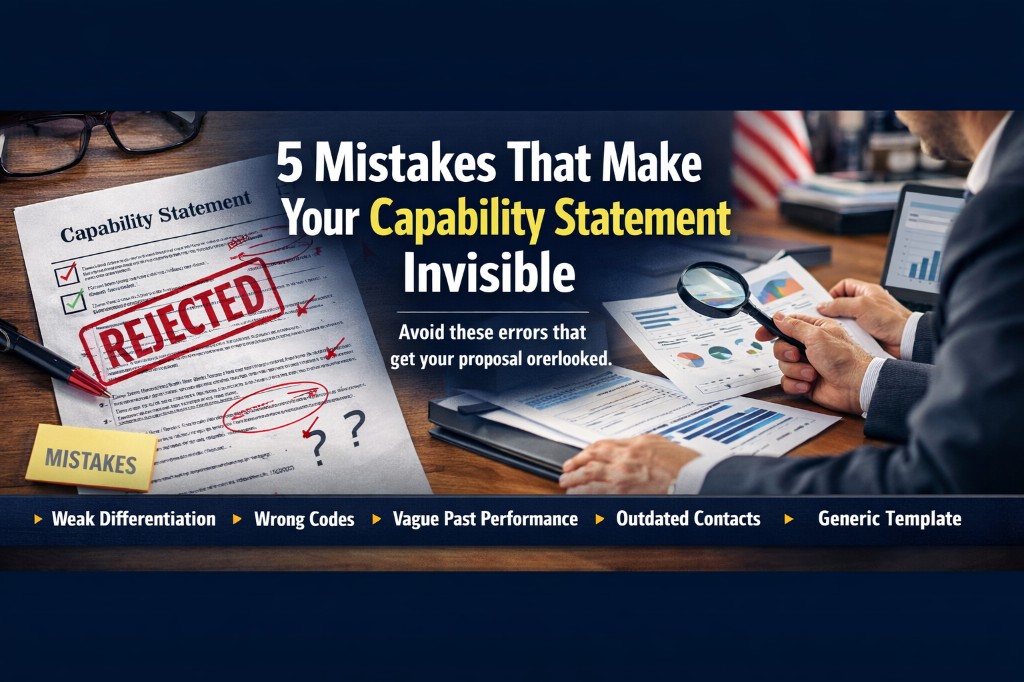
Capability statements fail less from design and more from weak positioning. These five common mistakes tell buyers you are not ready, even when your team is qualified.
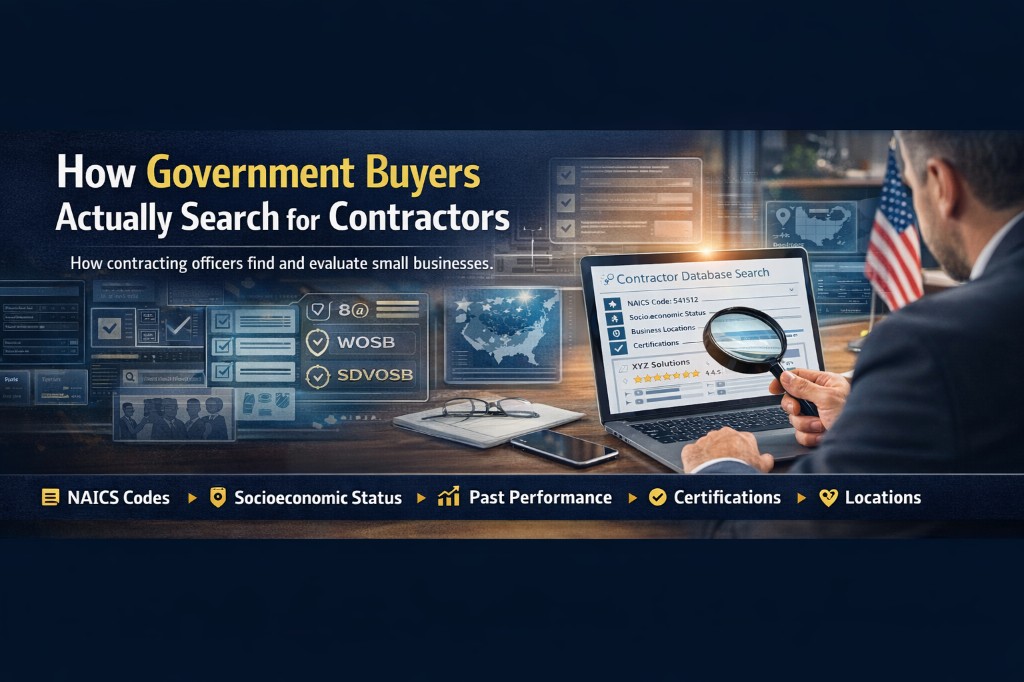
If you want more federal opportunities, optimize for how buyers run market research. This breakdown shows where visibility is won or lost before solicitations are released.